ManUp Secrets Vault
Lightweight, open-source secrets management platform to securely store, synchronize, and inject environment secrets across your projects, teams, and CI/CD pipelines.
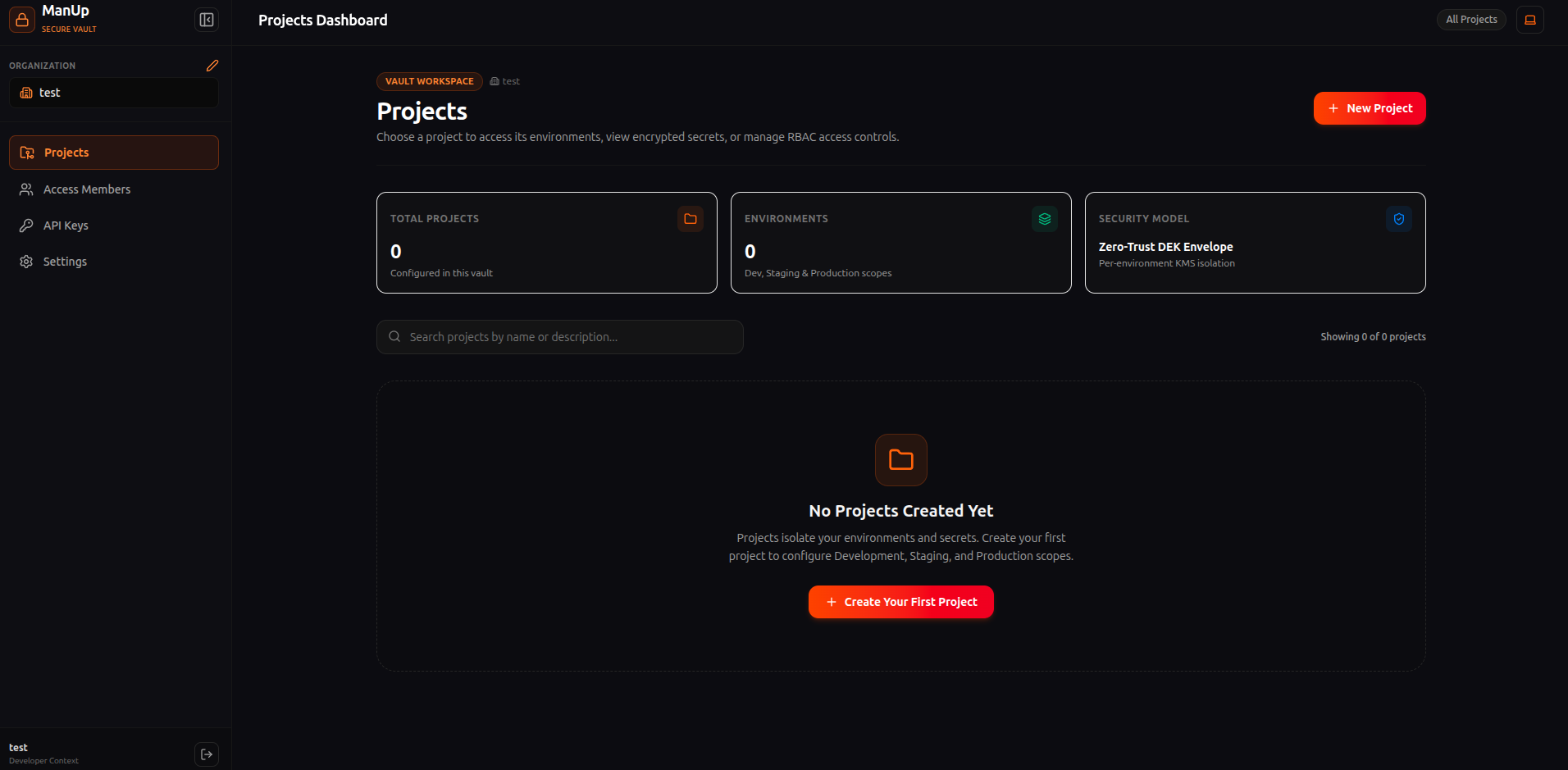
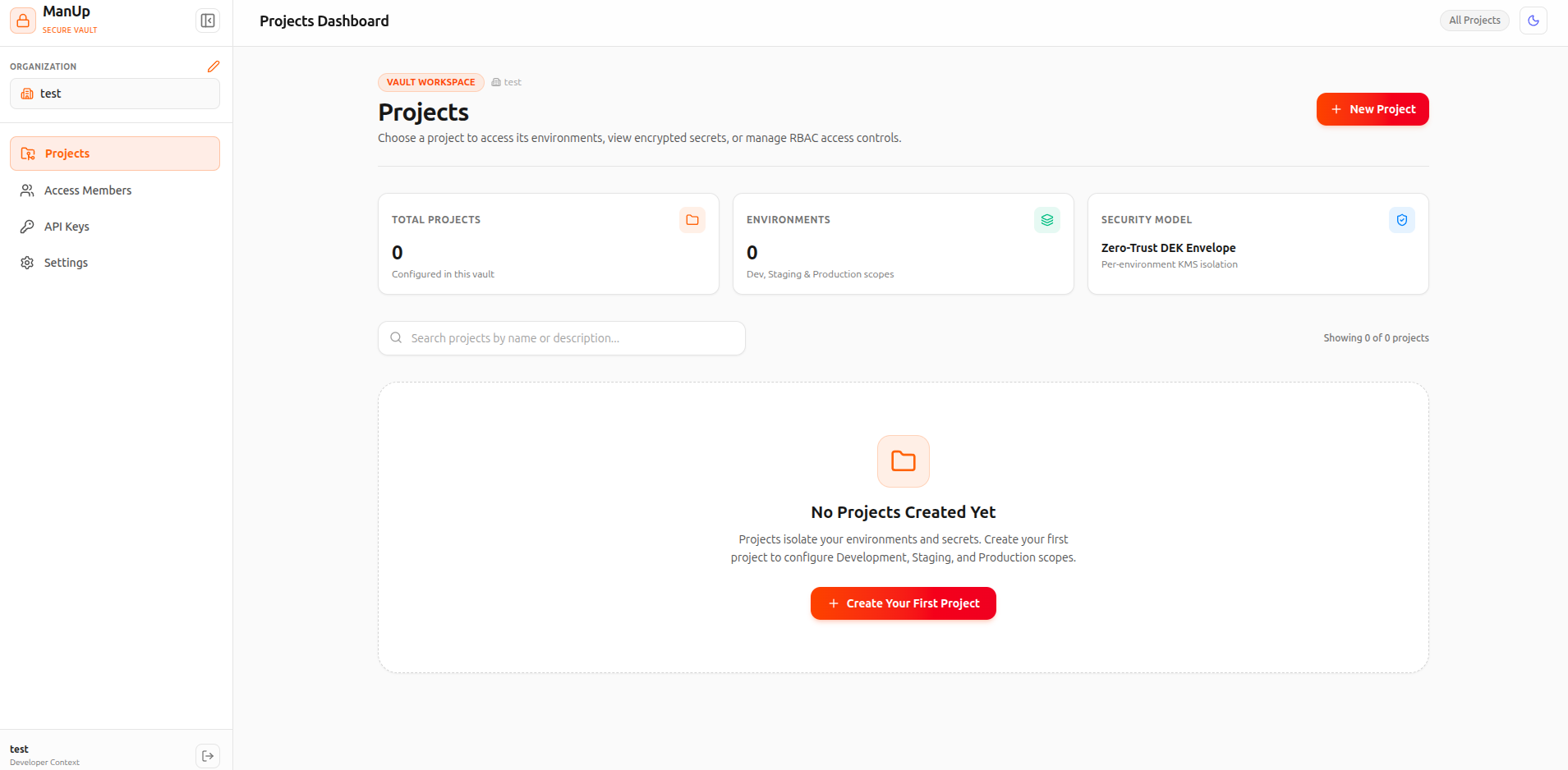
⚡ Docker Quickstart
Run a self-contained ManUp Vault instance in seconds using Docker or Docker Compose:
Option A: Docker Compose
services:
  manup:
    image: procoder588/manup:latest
    ports:
      - "7780:7780"
    environment:
      - DB_TYPE=PGLITE
      - MASTER_KEY=32_char_hex_encryption_master_key_here
      - JWT_SECRET=super_secret_jwt_access_token_key_2026
      - REFRESH_TOKEN_SECRET=super_secret_jwt_refresh_token_key_2026
      - DEFAULT_ADMIN_EMAIL=admin@manup.io
      - DEFAULT_ADMIN_PASSWORD=adminpassword123
    volumes:
      - manup_data:/app/manup
    restart: always

volumes:
  manup_data:
Option B: Docker CLI Single Container
docker run -d \
  --name manup-vault \
  -p 7780:7780 \
  -e DB_TYPE="PGLITE" \
  -e MASTER_KEY="32_char_hex_encryption_master_key_here" \
  -e JWT_SECRET="super_secret_jwt_access_token_key_2026" \
  -e REFRESH_TOKEN_SECRET="super_secret_jwt_refresh_token_key_2026" \
  -v manup_data:/app/manup \
  --restart always \
  procoder588/manup:latest
🏗️ Architecture & Technology Stack
ManUp is structured as a monorepo containing two tightly integrated components:
Built with React 19, TypeScript, TailwindCSS v4, and Vite. Features a modern dark UI with collapsible sidebar, secrets modal, and organization member management.
Built with Node.js, Express, TypeScript, Drizzle ORM, and PGLite (embedded PostgreSQL in Node.js). Serves both API and SPA bundle in a single container.
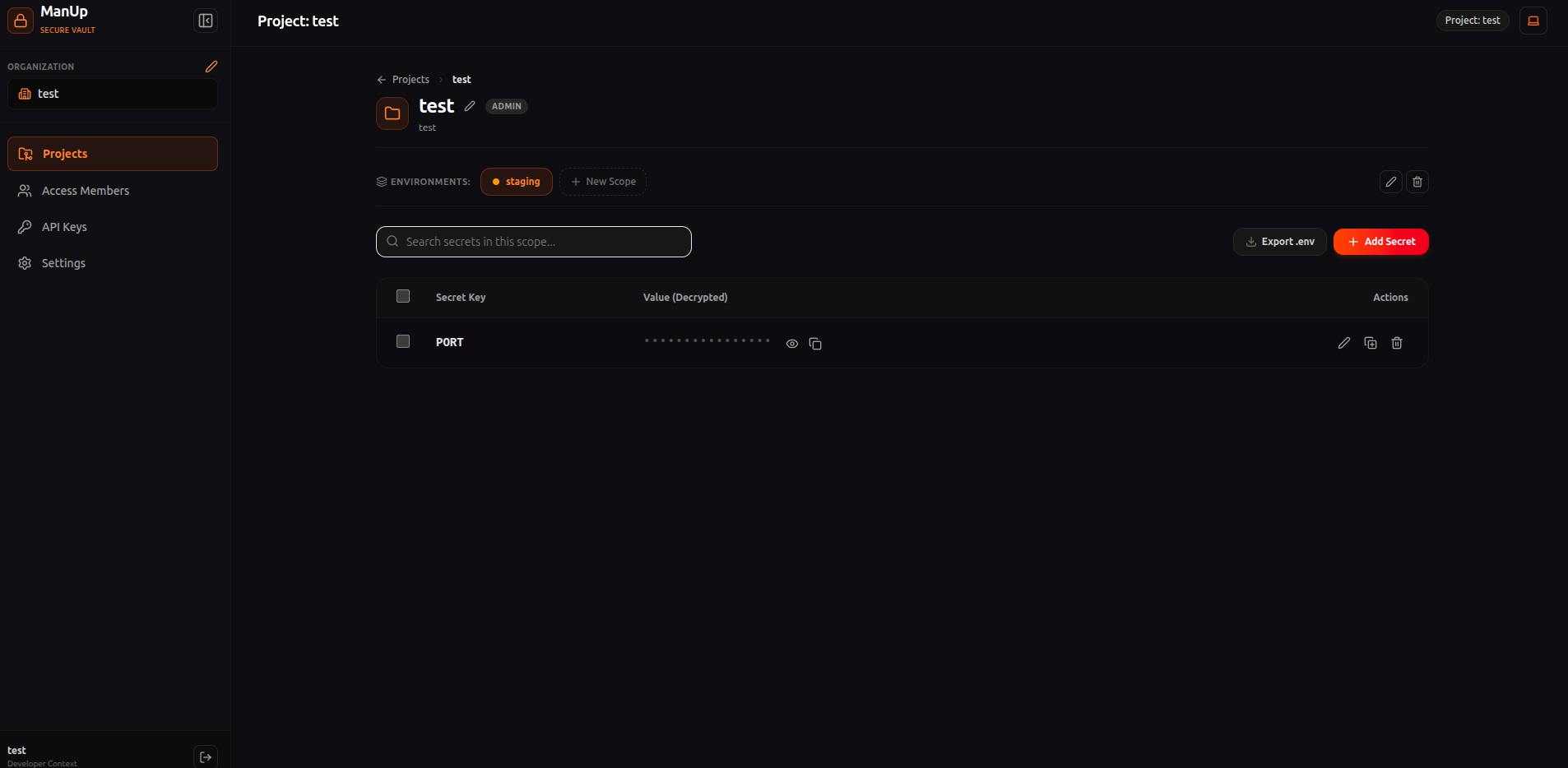
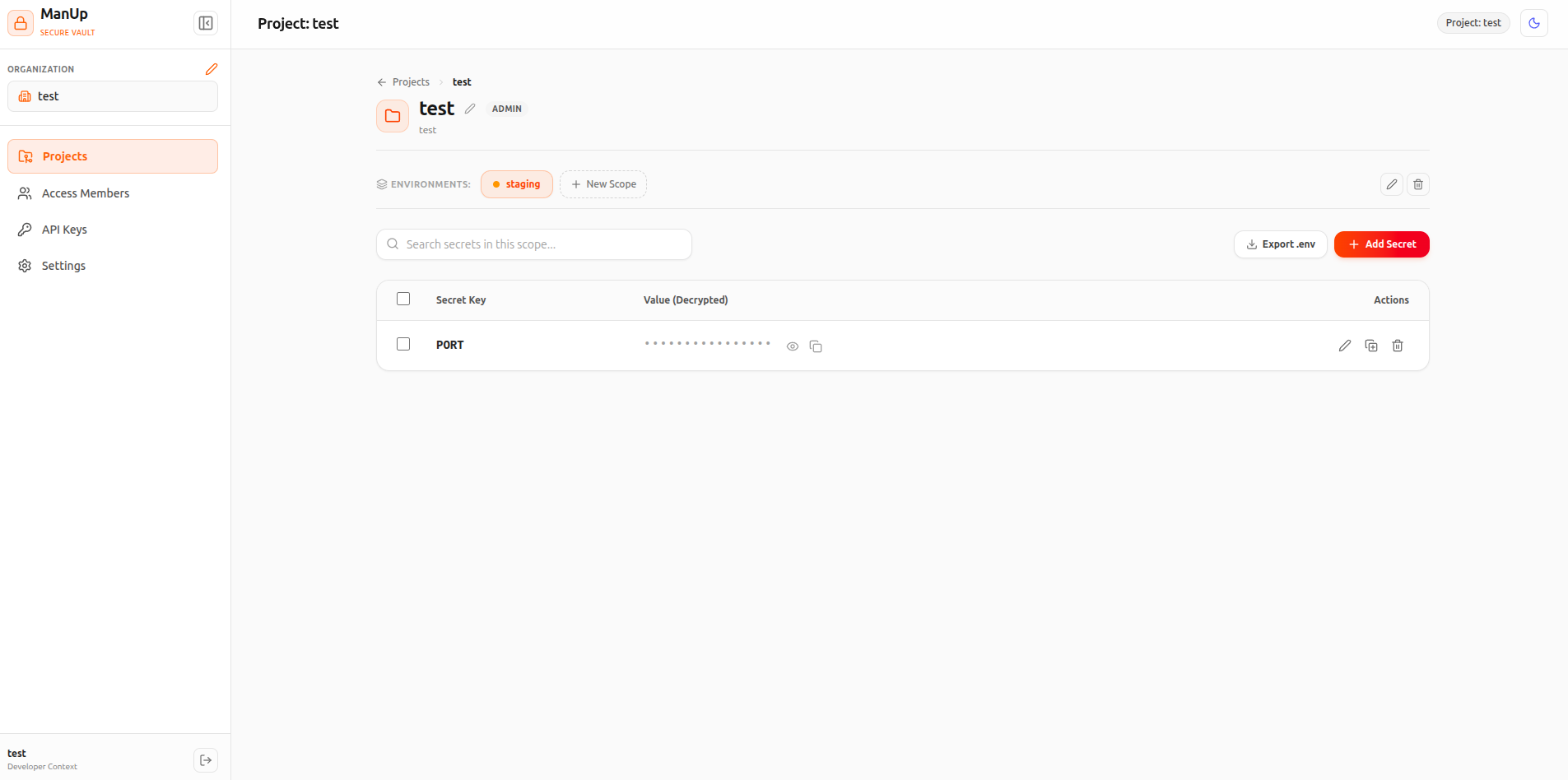
🔐 Vault Security & RBAC
ManUp provides defense-in-depth security to protect sensitive application secrets:
All plain secret values are encrypted at rest using AES-256-GCM authenticated encryption tied to server MASTER_KEY and Data Encryption Keys (DEKs).
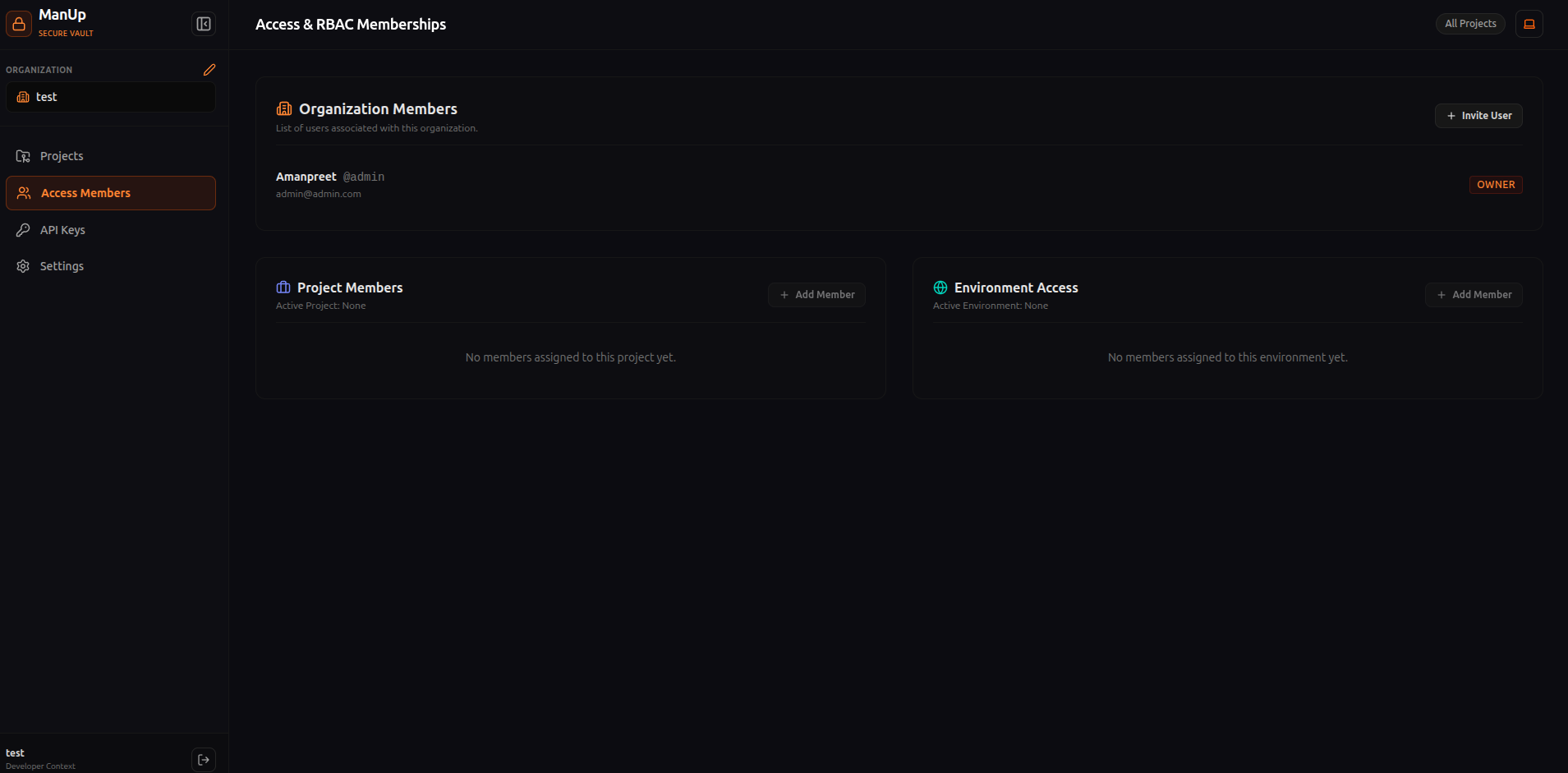
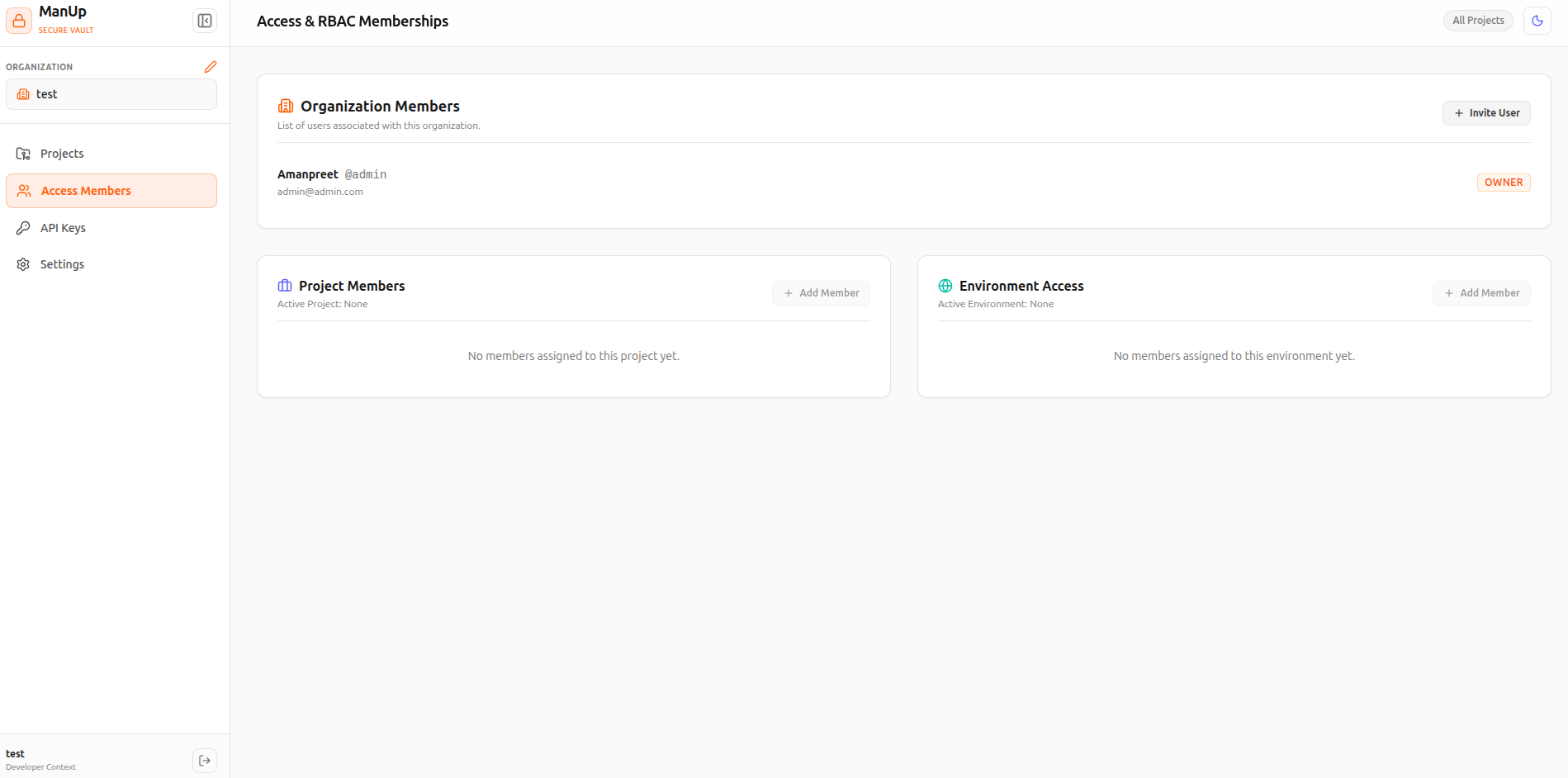
Enforces strict organization roles (Owner, Admin, Viewer) to gate destructive actions and environment operations.
Web dashboard authenticates via httpOnly, sameSite=strict cookies for access and refresh tokens, mitigating XSS token theft.
Role Matrix
| Action | Owner | Admin | Viewer |
|---|---|---|---|
| Manage Secret Values (Create / Edit / Delete) | ✅ Allowed | ✅ Allowed | ❌ Read-Only |
| Create & Revoke API Keys | ✅ Allowed | ✅ Allowed | ❌ Denied |
| Manage Organization Members | ✅ Allowed | ❌ Denied | ❌ Denied |
| Delete Organization / Transfer Ownership | ✅ Allowed | ❌ Denied | ❌ Denied |
🔑 API Keys & Scopes
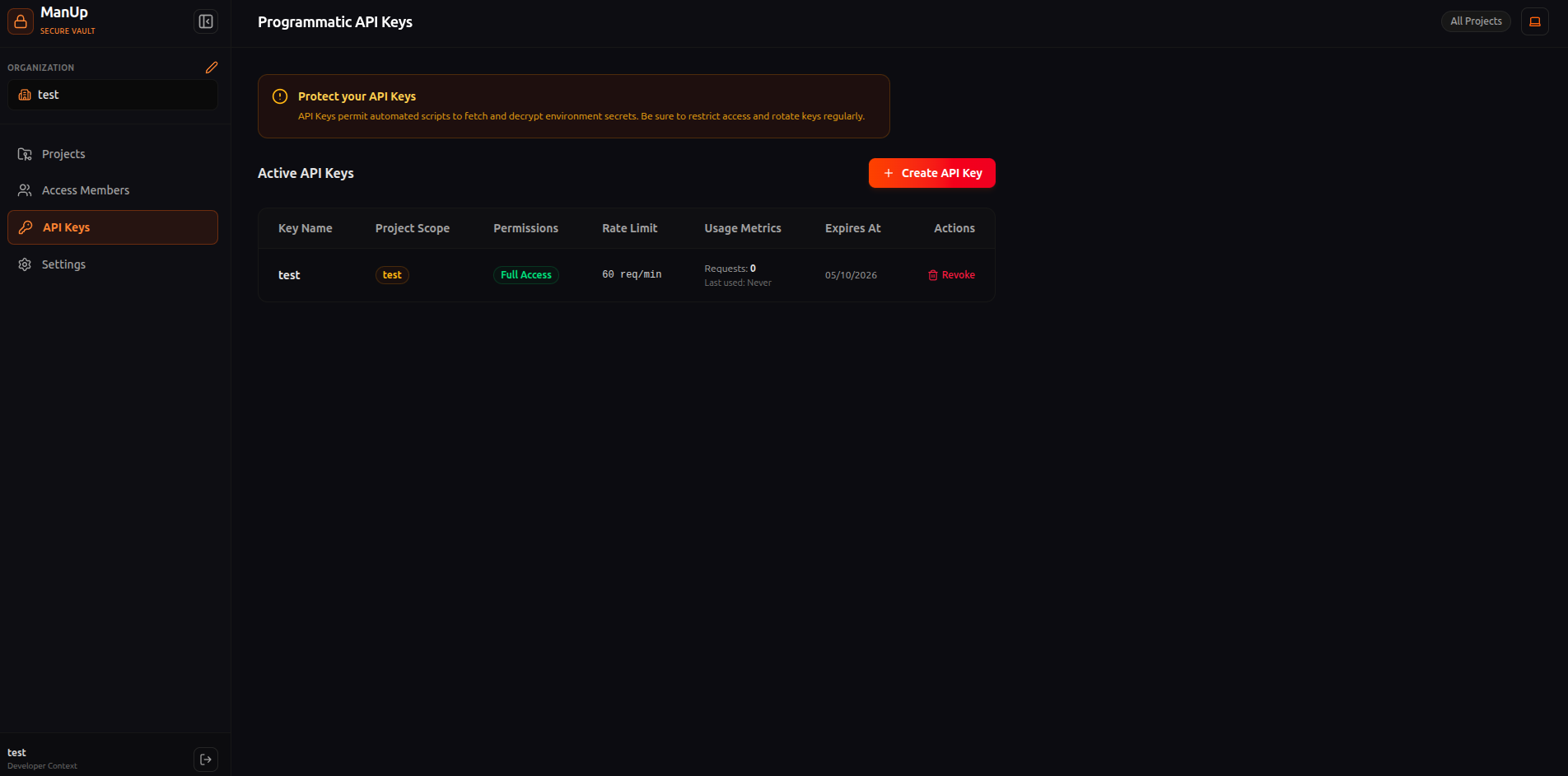
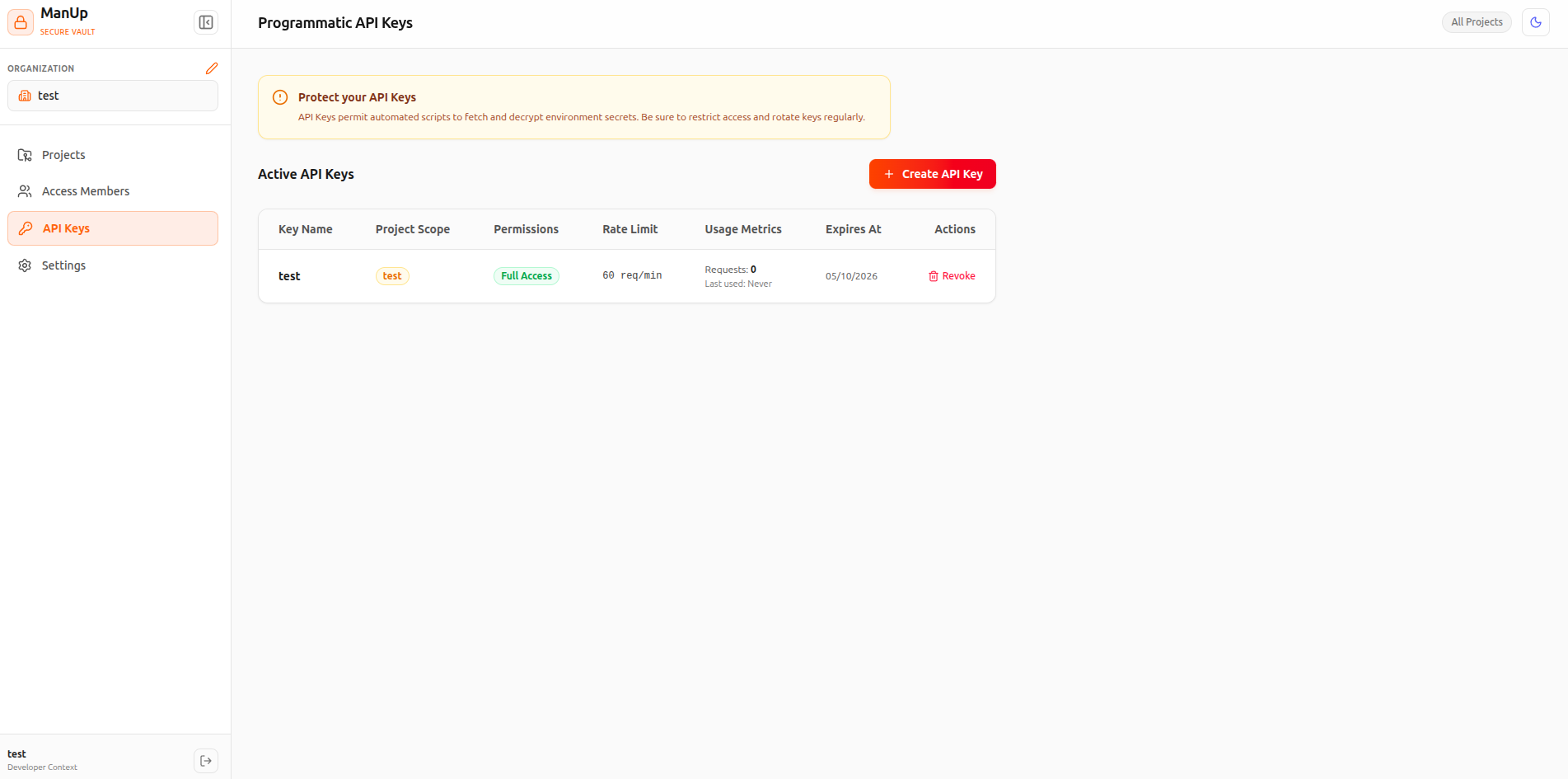
ManUp allows creating long-lived API keys for CI/CD pipelines, automated deployments, and CLI access. Keys can be scoped organization-wide or restricted strictly to individual projects.
| Scope | Badge | Permissions |
|---|---|---|
full |
FULL READ / WRITE | Full CRUD operations on secrets, projects, and environments (optionally project-isolated). |
read-only |
READ ONLY | Restricted to fetching decrypted secret values for application runtime injection. |
💻 Official CLI Tool (manup-cli)
Inject vault secrets directly into application commands and developer environments without writing secrets to disk.
# 1. Install CLI globally
npm install -g manup-cli

# 2. Login to self-hosted vault
manup login --server http://localhost:7780 --user admin@manup.io --password adminpassword123

# 3. Link workspace directory (interactive or scriptable)
cd /path/to/my-app
manup init -p my-project -e dev

# 4. Run application with injected vault secrets by environment name
manup run -- npm start
manup run -e prod -- npm test

# 5. Provision and manage API keys via CLI
manup keys ls
manup keys create ci-token --scope full --project my-project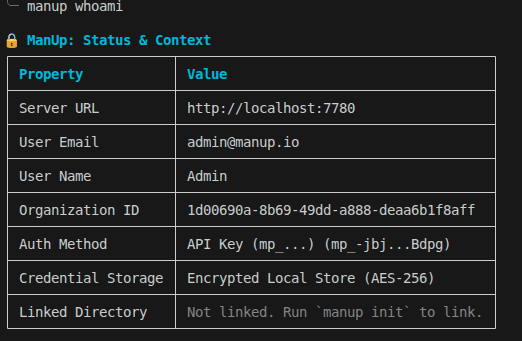
⚙️ Environment Variables Reference
Configure your self-hosted ManUp server instance using environment variables:
| Variable | Description | Default |
|---|---|---|
PORT |
Port the backend server listens on. | 7780 |
DB_TYPE |
Database type. Set to PGLITE for embedded Postgres. |
PGLITE |
DB_DIR |
Path to persist data files when using PGLITE. |
/app/manup |
MASTER_KEY |
32-character hexadecimal key for secret encryption. | Required |
JWT_SECRET |
Secret key for signing access token JWTs. | Required |
REFRESH_TOKEN_SECRET |
Secret key for signing refresh token JWTs. | Required |
ENABLE_SIGNUP |
Enable or disable public account registration. | true |
DEFAULT_ADMIN_EMAIL |
Default administrator email for initial bootstrap. | — |
DEFAULT_ADMIN_PASSWORD |
Default administrator password for initial bootstrap. | — |
📡 REST API Reference
All API endpoints are prefixed with /api. Authenticate using X-API-Key: mp_... or Authorization: Bearer <token>.
| Endpoint | Method | Description |
|---|---|---|
/api/users/login |
POST | Authenticate email/username & password to obtain access & refresh tokens. |
/api/users/me |
GET | Fetch current user details, active organization, and permissions. |
/api/projects |
GET / POST | List or create projects in the current organization. |
/api/environments/:projectId |
GET | List environments associated with a specific project. |
/api/secrets |
GET | Query secrets directly by environment & project name (supports format=dotenv|json|kv). |
/api/secrets/:environmentId |
GET | Retrieve all decrypted secrets for an environment by ID. |
/api/secrets |
POST / PUT | Create or update an individual secret value in the vault. |
/api/secrets/bulk |
POST | Bulk insert or update multiple environment secrets simultaneously. |
/api/users/api-keys |
GET / POST | List or create scoped API Keys. |